ICT How to resources
| Site: | Wintec Learning |
| Course: | Template - Course Delivery Adjustments COVID-19 |
| Book: | ICT How to resources |
| Printed by: | Guest user |
| Date: | Wednesday, 10 June 2026, 9:40 AM |
Description
This ebook will run you through a bunch of information to get you started and keep your data safe.
1. My-Learning guide
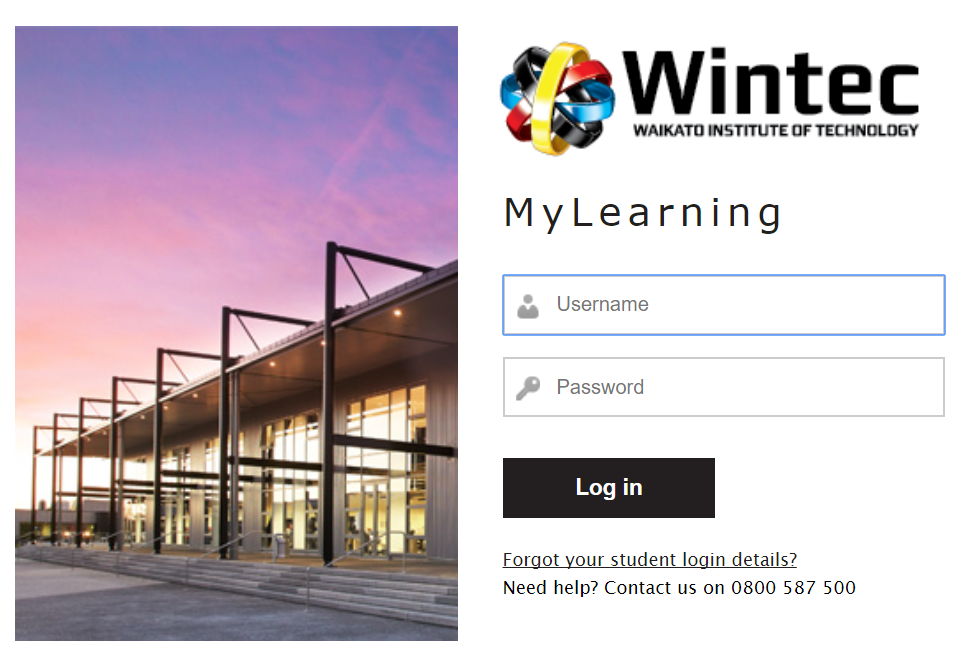
The video below will step you through the My Learning student space https://www.wintec.ac.nz

2. Office 365 Software

Download Office 365 for Free
While you are a student at Wintec you have access to a full suite of Microsoft Office products to help you study. You can use the online versions or download the software onto your own computer. This is available by clicking the Office 365 link form MyLearning.
3. Submitting Assessments into Moodle
4. Adding a Moodle profile picture
Watch this video on how to add your profile picture to Moodle
Here's the Cheat Sheet link or watch the video below.
5. Print to file
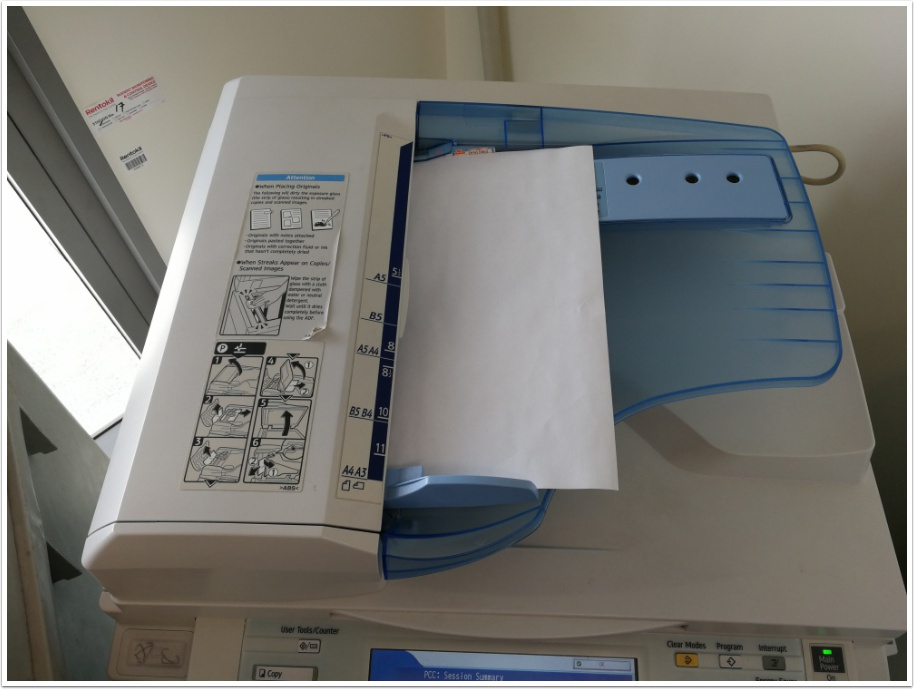 Students can use the photocopiers available around campus as scanners. Print to file is a useful method of copying your paper based work and sending it as a file to your student email address.
To do this you will need your Student ID card.
6. Back up your data
 It might seem like a nuisance at times but you don't want to get caught out by losing your data / documents. The responsibility is yours to keep backups of your work to reduce the risk of losing your assessments.
The options include:
- A cloud copy on OneDrive
- USB Drive
- Hard copies